Tiffin Delivery App Development Ready in 2 Days

Tiffin Delivery App Development Ready in 2 Days

Build Your White-Label Tiffin & Lunchbox Delivery App

Our app is designed for meal businesses that want to sell daily lunch subscriptions, manage recurring orders, and deliver fresh tiffin meals on a schedule.

Whether you run a tiffin center, cloud kitchen, or subscription meal business, the platform gives you the tools to manage menus, deliveries, and customer retention in one system.

Launch Your Tiffin Subscription Delivery App

Meal Plan Subscription Box Lunch Delivery Kitchen Network Homemade Meals Corporate Meals Diet Plans Route Delivery

Launch-ready app

Our application is packed with powerful features and integrations, all customizable to fit daily meal subscriptions, recurring deliveries, and kitchen workflows.

CSCODETECH logo
Brand Dunzo logo
Brand Foodpanda logo
Brand Talabat logo
Brand Swiggy logo
Brand Ubereats logo
Brand Zomato logo
Brand Doordash logo
Brand Deliveroo logo
Decorative line
Decorative line
Decorative line
Decorative line
Decorative line
Decorative line
Decorative line
Decorative line

App Modules & Panel Features

With our Tiffin Delivery Service App, enjoying a wholesome lunch has never been easier. Whether you're at work, school, or on-the-go, our app ensures you have access to quality homemade meals without the hassle of packing or cooking. It's the perfect solution for busy individuals looking to prioritize health and convenience.

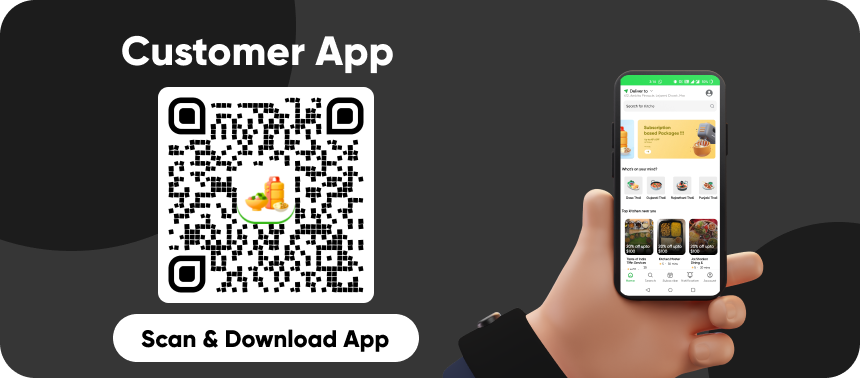
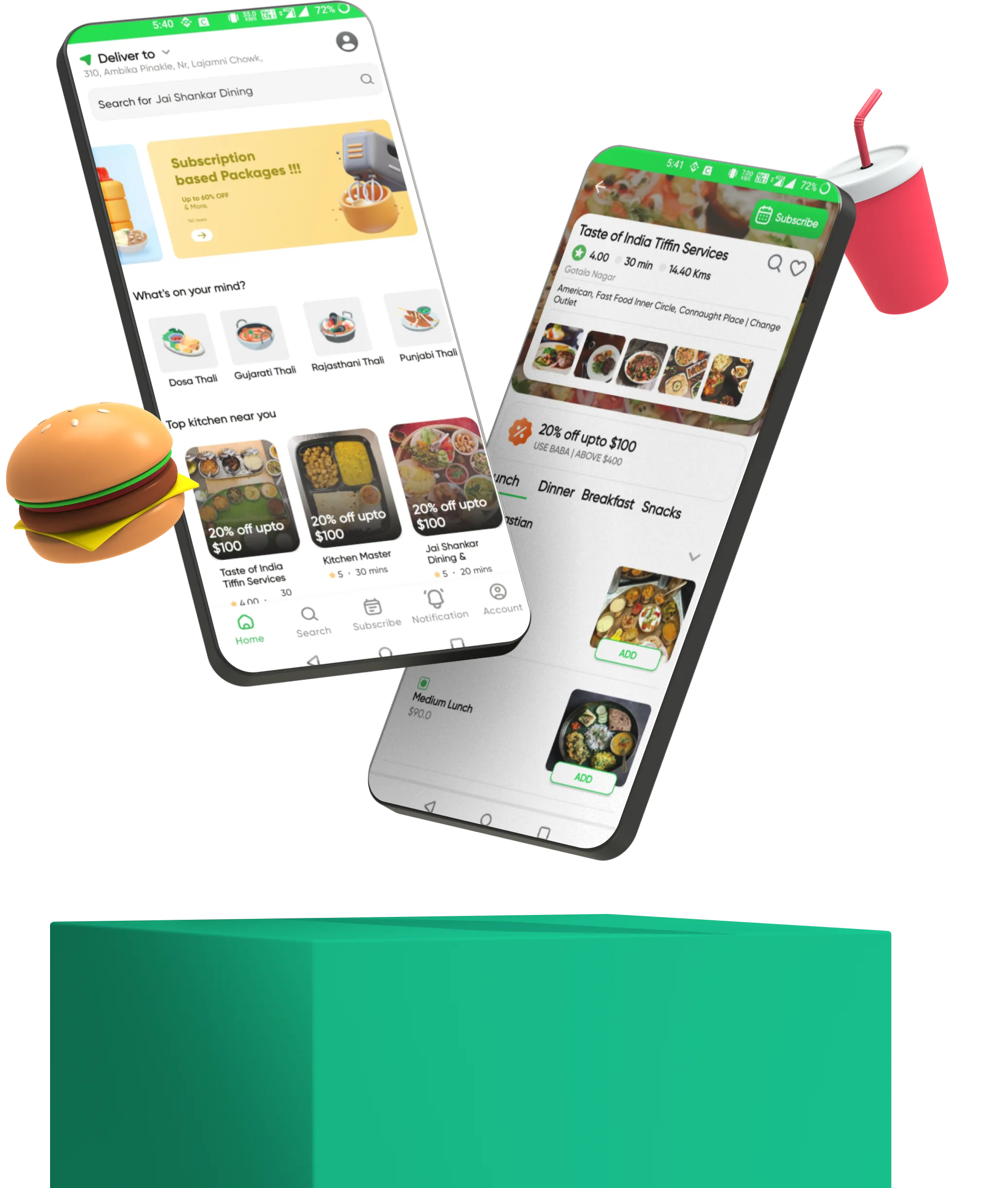
Customer App

Allow customers to browse menus, place orders, track deliveries, and provide feedback on their
dining experience, all from the convenience of their mobile devices.
Lunchbox Customer App screenshot
  • 1
    Signup with OTP

    Users can swiftly register using their phone number and verify their account via a one-time password (OTP), ensuring a secure and hassle-free signup process.

  • 2
    Nearby Kitchen

    Utilizing geolocation technology, users can discover nearby kitchens or restaurants offering their desired cuisine, enhancing convenience and accessibility.

  • 3
    Push Notifications

    Instant alerts keep users informed about new offers, order status updates, and promotional discounts, ensuring timely engagement and enhancing the user experience.

  • 4
    Offers And Discount Coupons

    Users can access exclusive offers and discount coupons to avail of savings on their orders, incentivizing purchases and fostering loyalty.

  • 5
    Multi Payments

    Offering flexibility, users can choose from various payment methods such as credit/debit cards, digital wallets, or cash on delivery, facilitating seamless transactions.

  • 6
    Rating & Reviews

    Users can provide feedback and ratings on their dining experiences, helping others make informed decisions and enabling restaurants to maintain quality standards.

  • 7
    Referrals & Earn

    Users can refer friends or family members to the app and earn rewards or discounts for successful referrals, encouraging user growth and engagement.

  • 8
    Subscription Order

    Users can subscribe to meal plans or subscription services offered by kitchens, ensuring regular deliveries of their favorite meals and hassle-free ordering.

  • 9
    Normal Order

    Users can place one-time orders for individual meals or items, providing flexibility and catering to immediate dining needs.

  • 10
    Multi Language:

    The app supports multiple languages, allowing users to access the platform in their preferred language for enhanced accessibility and user experience.
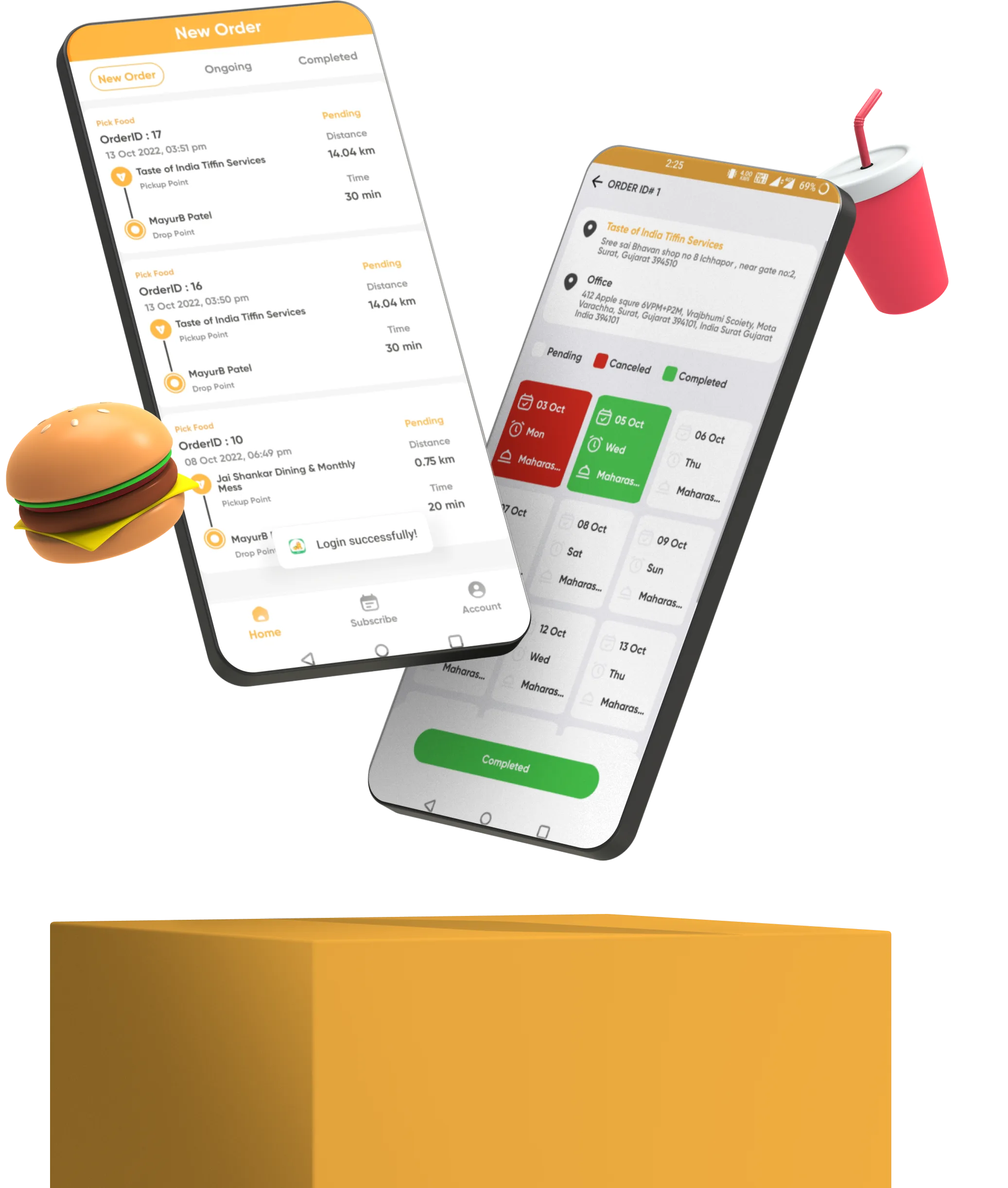
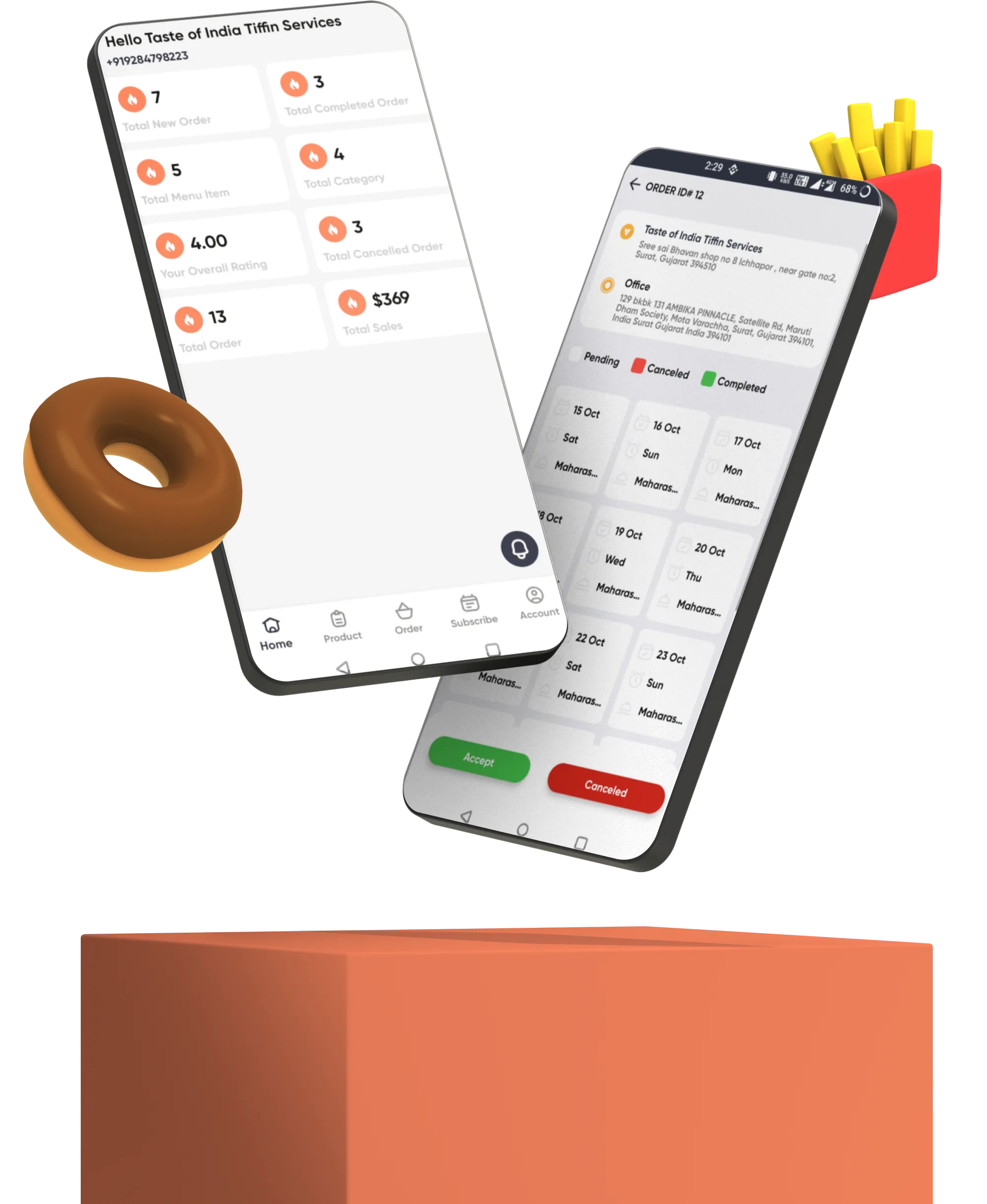
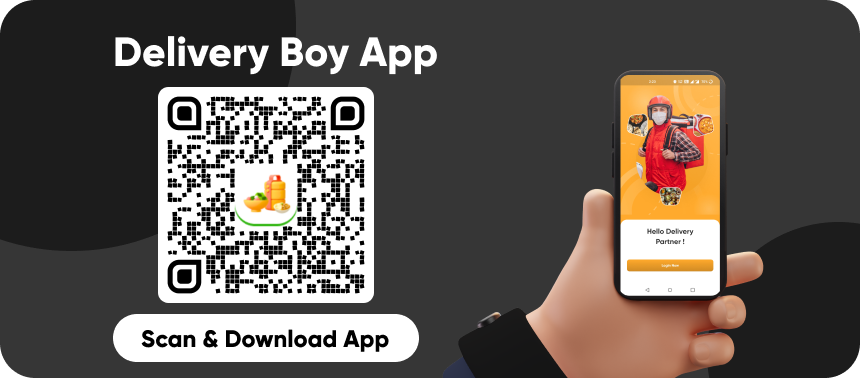
Delivery Boy App

Enable delivery personnel to receive order assignments, navigate to customer locations, confirm
deliveries, and communicate with customers or kitchen staff as needed for smooth and efficient delivery operations.

  • 1
    Profile Management

    Delivery personnel can manage their profile details, including personal information, contact details, and vehicle information, ensuring accurate representation and efficient communication

  • 2
    Manage Orders

    Delivery personnel can view and manage incoming orders, including order details, customer information, and delivery instructions, facilitating efficient order handling and delivery.

  • 3
    Order History

    Access to a comprehensive history of past orders allows delivery personnel to track their performance, review previous deliveries, and monitor customer feedback for continuous improvement.

  • 4
    Subscription Order

    Enable delivery personnel to handle subscription orders or recurring deliveries, ensuring timely and consistent service for customers subscribed to meal plans or subscription services.

  • 5
    Realtime Notification

    Instant notifications keep delivery personnel informed about new order assignments, order updates, customer messages, and important alerts, enabling prompt response and efficient delivery operations.

  • 6
    Availability Settings

    Delivery personnel can set their availability status (available or unavailable) to indicate their readiness to accept orders, providing flexibility in managing their work schedule and workload

  • 7
    Delivery Statics

    Access to delivery statistics and performance metrics allows delivery personnel to track their earnings, delivery efficiency, and other key metrics, enabling performance analysis and optimization.

  • 8
    Accept/Reject Orders

    Delivery personnel have the option to accept or reject incoming order assignments based on their availability, proximity, or other factors, ensuring efficient order allocation and workload management.

Lunchbox Deliveryboy App screenshot

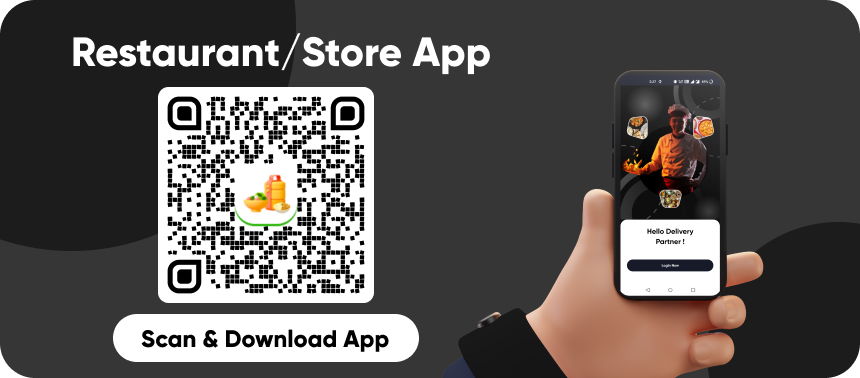
Chef or Kitchen Owner App

Empower chefs or kitchen staff to manage incoming orders, prepare meals, update order statuses,
and communicate with customers or delivery personnel to ensure timely and accurate order fulfillment.

Lunchbox Chef App screenshot
  • 1
    Receive Orders on Mobile

    Chef or kitchen owners can receive incoming orders directly on their mobile devices, allowing for quick and seamless order management.

  • 2
    Menu Management

    Easily manage the menu by adding, removing, or editing dishes, updating prices, descriptions, and availability to ensure an up-to-date menu for customers.

  • 3
    Manage Orders

    View and manage incoming orders, including order details, customer information, and delivery instructions, facilitating efficient order processing and fulfillment.

  • 4
    Dish Management

    Manage individual dishes by updating ingredients, recipes, portion sizes, and other details to maintain consistency and quality in food preparation.

  • 5
    Assignment

    Assign orders to Delivery Boy for preparation and ensure timely execution to meet customer expectations.

  • 6
    Payment History

    Access payment history and transaction records to track earnings, view payment settlements, and monitor financial performance for accounting purposes.

  • 7
    Push Notifications

    Receive instant notifications regarding new orders, order updates, payment confirmations, and other relevant alerts to stay informed and responsive.

  • 8
    Profile Management

    Manage profile information, contact details, and other relevant information to ensure accurate representation and effective communication with customers.

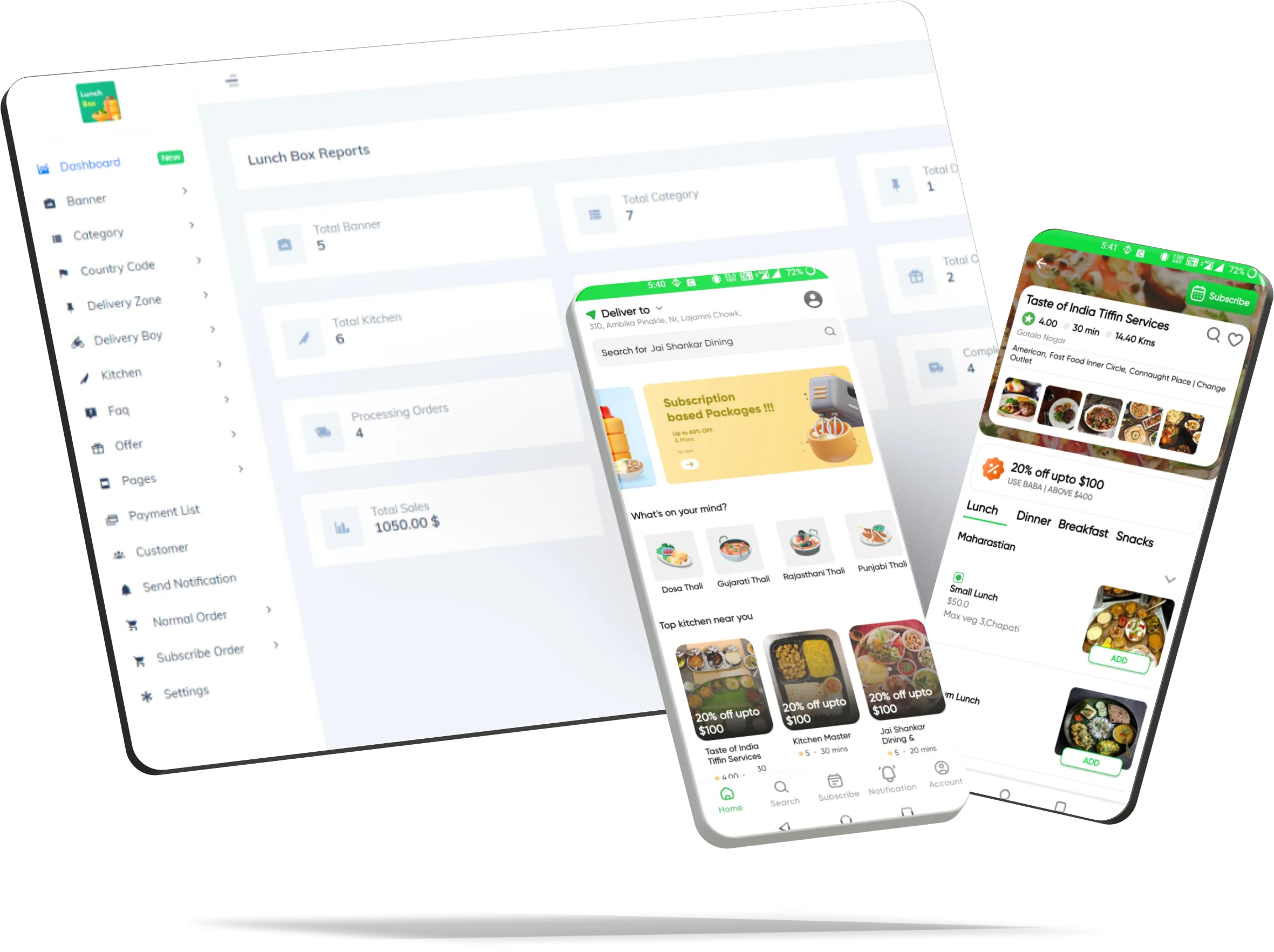
Chef or Kitchen Owner Panel

Provide chefs or kitchen staff with a web-based access panel to view and manage incoming orders,
update menu items, adjust inventory levels, and monitor kitchen performance for optimal efficiency and quality control.

Food Delivery App Development
  • 1
    Kitchen Dashboard

    A centralized dashboard providing an overview of key metrics, including order status, sales performance, customer feedback, and more, enabling effective management and decision-making.

  • 2
    Category Management

    Efficiently organize and manage dishes into categories such as appetizers, main courses, desserts, etc., ensuring ease of navigation for customers.

  • 3
    Sub Category Management

    Create and manage both main categories and sub-categories to further organize dishes and streamline the browsing experience for customers.

  • 4
    Kitchen Order Management

    View and manage incoming orders, update order statuses, assign orders to delivery boy or kitchen staff, and track order fulfillment in real-time for efficient order processing.

  • 5
    Subscribe Package

    Create and manage subscription packages or meal plans for customers who wish to receive regular deliveries of meals. Set subscription durations, package name, package image, package status, package day frequency, and pricing to offer flexible options tailored to customer preferences.

  • 6
    Normal Order

    Allow customers to place one-time orders for individual meals or items from the menu. Customers can browse the menu, select their desired dishes, customize their orders if necessary, and proceed to checkout for a single purchase.

  • 7
    Subscribe Order

    Manage incoming subscription orders and ensure timely fulfillment according to the subscription plan selected by the customer. Track subscription order history, update order statuses, and manage delivery schedules to provide a seamless subscription experience for customers.

  • 8
    Photo Gallary

    Showcase mouth-watering images of dishes in a photo gallery to entice customers and enhance their dining experience, driving engagement and sales.

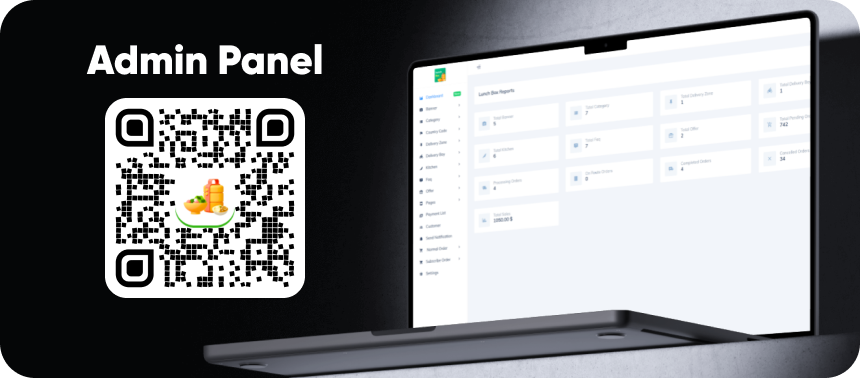
Admin Panel

Offer administrators comprehensive control over the entire system, including user management, menu management, order tracking,
payment processing, analytics, and system configuration, ensuring seamless
operations and oversight across all components of the platform.

Food Delivery App Development
  • 1
    User Management

    Manage user accounts, including registration, authentication, profile information, and access control, ensuring a secure and personalized user experience.

  • 2
    Kitchen Management

    Administer kitchen profiles, including registration, verification, menu management, availability status, and performance tracking, to maintain a curated network of partner kitchens.

  • 3
    Delivery Boy Management

    Supervise delivery personnel, including onboarding, verification, scheduling, performance monitoring, and assignment management, to ensure reliable and efficient delivery services.

  • 4
    Payment & Commission Management

    Handle payment transactions, commission calculations, payout processing, invoice generation, and financial reporting for transparent and seamless financial operations.

  • 5
    Promo codes

    Create, manage, and track promotional campaigns, discount codes, and loyalty programs to attract customers, stimulate sales, and enhance user engagement.

  • 6
    Order Management

    Monitor and manage order lifecycle, including order processing, status updates, delivery tracking, customer support, and resolution of order-related issues, for smooth and efficient order fulfillment.

  • 7
    Multiple Payment

    Integrate and manage multiple payment gateways, including credit/debit cards, digital wallets, bank transfers, and cash on delivery, to offer diverse and convenient payment options for users.

  • 8
    Dynamic Pages

    Create and customize dynamic pages within the platform, such as FAQs, announcements, blog posts, or promotional content, to provide relevant information and enhance user engagement and retention.

  • 9
    Delivery Zone Management

    Admins can define and manage delivery zones within the admin panel. They can set boundaries, specify delivery areas, and adjust zone parameters as needed. This feature ensures efficient allocation of delivery resources and accurate delivery radius for customers.

  • 10
    Dynamic Pages

    Admins can send push notifications to different stakeholders including kitchens, riders, and customers directly from the admin panel. They can create and schedule notifications, customize messages, and target specific user segments based on various criteria such as location, order status, or promotional campaigns. This feature enhances communication, updates stakeholders about important events or updates, and boosts user engagement.

Key Features of Our Tiffin Delivery App

Our tiffin delivery platform includes all essential features for meal aggregation, customization, and subscription management.

Multiple Vendors

Multi-vendor aggregation platform combining multiple tiffin centers with vendor-specific management panels.

Meal Customization

Diet preferences, nutritional filtering (vegan, gluten-free, keto), and personalized meal selections.

Subscription Plans

Daily meal packages, weekly and monthly subscriptions with pause/resume functionality and flexibility.

Real-Time Tracking

Live order tracking, delivery status updates, and real-time location sharing with delivery partner.

Nutritional Info

Complete nutritional data, calorie tracking, ingredient transparency, and allergy management tools.

Review System

Customer ratings, detailed reviews, feedback collection, and vendor performance analytics.

Use Cases for Tiffin Delivery Apps

Build tiffin delivery experiences tailored to traditional centers, multi-vendor networks, and corporate canteen services.

Tiffin Centers

Traditional meal prep businesses expanding reach with digital ordering and delivery network integration.

Multi-Vendor Kitchens

Cloud kitchen networks with aggregate buyer base, unified customer interface, and logistics optimization.

Corporate Canteens

Office meal delivery with bulk ordering, customized menus, dedicated support, and employee engagement features.

Subscription Meal Plans

Weekly/monthly plans with pause/resume, preferred slots, and recurring payment options.

Diet & Fitness Meals

Calorie/macro-friendly meal subscriptions with add-ons and customization for customers.

Events & Catering

Large orders with pre-order scheduling, delivery routing, and capacity planning for busy days.

Demo Login Details

Demo Details For App Like Tiffin delivery app_

ID 1:
User or Mobile:+91 7276465975
Password: 12345678
Note: Some features are restricted in demo mode.
Use your own mobile number to explore the full app flow.

-------------------------
Kitchen or Chef Access
User or email: cscodetech@gmail.com
Password: 123

ID 1:
User or email: cscodetech@gmail.com
Password: 12345678

Admin
User or email: admin
Password: admin@123

Store / Vendor
User or email: cscodetech@gmail.com
Password: 12345678

Pricing & Launch

A launch package for tiffin centers, cloud kitchens, subscription meal plans, and corporate meal businesses.

Launch Price

$5,000

Delivery Time

2-3 Business Days

Best For

Meal subscriptions, lunchbox delivery, corporate canteens, and recurring tiffin services.

Work experience with world best clients_

F2o client logo
F4u client logo
Freshv client logo
Malegao client logo
Munch client logo
Papercart client logo
Jaipur client logo
Smiledaily client logo

Why Choose CSCODETECH?

CSCODETECH, founded by three passionate co-founders, empowers entrepreneurs with scalable, white-label mobile apps built with Flutter. With 2500+ satisfied clients across India, USA, and UAE, we deliver innovation and excellence.

Get Started Now
3000+ Digital Products Launched Icon
3000+

Digital Products Launched

100+ Ready-Made Solutions Icon
100+

Ready Made Solution

8+ Years Experience Icon
8+

Years Experience

25+ People Inhouse Team Icon
25+

People Inhouse Team

2500+ Satisfied Clients Worldwide Icon
2500+

Satisfied Clients Worldwide

2000+ Apps Live on Stores Icon
2000+

Apps Live on Stores

3500+ Sales with Elite Author Icon
3500+

Sales with Elite Author

100+ Entrepreneurs Supported Icon
100+

Entrepreneurs Supported

Client Appreciations/ Testimonials

Fahmi from Indonesia, CSCODETECH Client

"Their complete team addressed all my needs, offering innovative solutions. No challenge was too big..."

Fahmi - Indonesia
Founder
Breadly from USA, CSCODETECH Client

"Awesome team, from customer service to development. They delivered my project on time and accurately."

Breadly - USA
Co-Founder
Shaukath from Malaysia, CSCODETECH Client

"Best IT company I’ve worked with. Committed, hardworking, and delivered exceptional results."

Shaukath - Malaysia
Qwik Online - Founder & CEO
Peter Balogh from Venezuela, CSCODETECH Client

"Outstanding, creative, and on-time delivery of awesome apps. Reliable and exceptional service."

Peter Balogh - Venezuela
GroHero - Founder & CEO
Hemant from India, CSCODETECH Client

"Flexible and reliable team. Understood our needs despite unclear briefs. Hardworking and dedicated."

Hemant - India
Crystal Visual Media - CEO
Munch Delivery Technologies from Australia, CSCODETECH Client

"Best team I’ve worked with. Honest, loyal, and on budget. Delivered without hesitation."

Munch Delivery Technologies - Australia
Founder - CEO
16 REVIEWS
20 REVIEWS
165 REVIEWS
Let's talk about product

Let's Work
Together.

I'd love to meet up with you to discuss your venture, timeline, and the kind of collaboration that feels right for your goals.

Fast replies Clear scope Worldwide delivery NDA friendly
24h reply We usually answer within one business day.
Flexible scope We can start small and expand as needed.
Remote ready We collaborate smoothly across time zones.
Design support We can help shape the product direction too.
QA included We validate key flows before anything goes live.
Long-term help Ongoing support is available after launch.
Project brief

Tell us what you are building

The more context you share, the faster we can reply with a useful recommendation and next step.